
Maps lead capture
Build local prospect lists from public map results with company name, website, phone, city, category, rating and source context.
- Card and detail-panel capture
- Keyword and city sessions
- Blocked/cooldown queue visibility
apnleads4u helps sales teams and agencies collect public company data, discover website emails, enrich missing fields and export cleaner B2B lists with source URLs, quality signals and private customer dashboards.
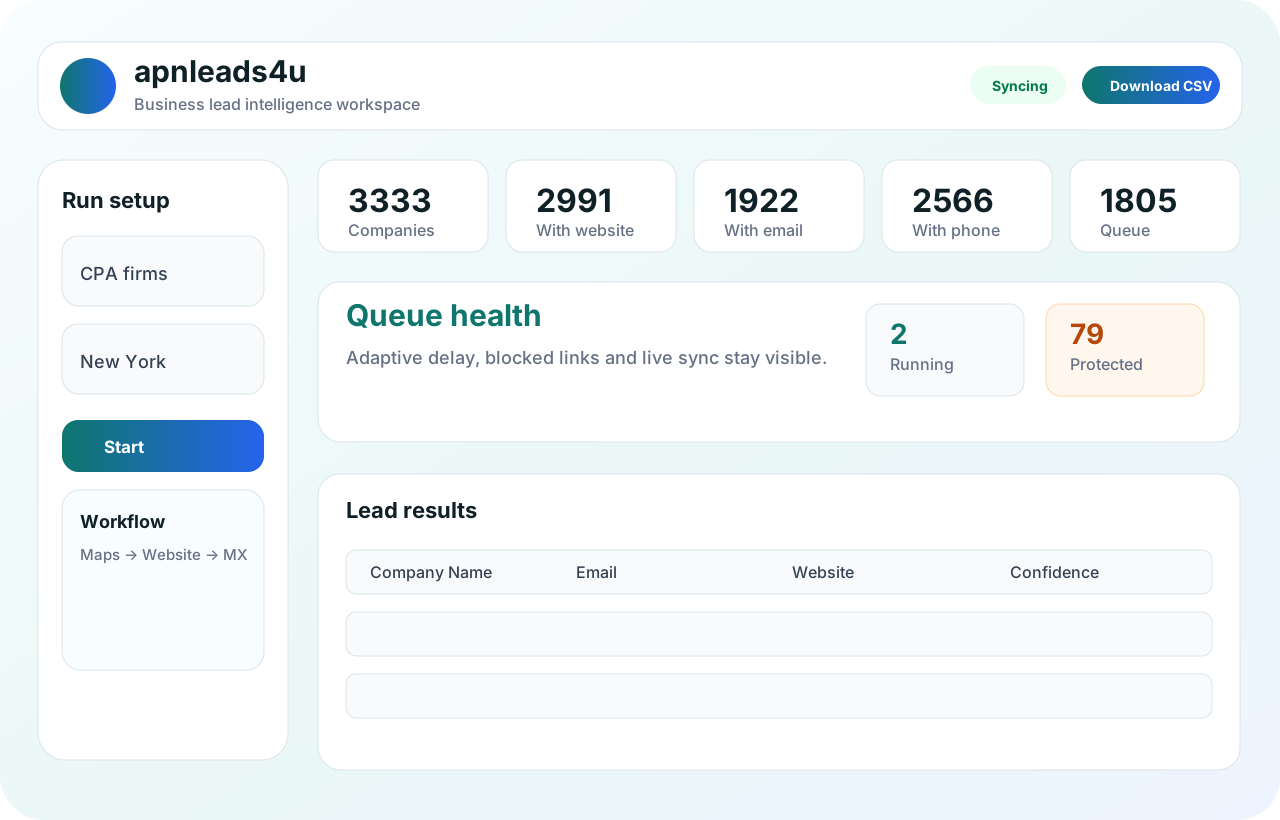 Live cloud sync
Maps panel capture
Reports CSV/XLSX
Live cloud sync
Maps panel capture
Reports CSV/XLSX
Designed for modern sales operations where teams need reliable public data, fewer manual steps, cleaner fields and export-ready business records.
Build local prospect lists from public map results with company name, website, phone, city, category, rating and source context.
Scan official business websites, contact pages, about pages, PDFs, sitemaps and team pages to find public business emails.
Review MX, freemail, missing fields, confidence and risk buckets before using leads in outreach or sales research.
Filter by source, session, customer, city, industry, quality and export clean CSV/XLSX files.
Create customers, set access, manage limits, see activity and keep each customer's data separate.
Resume interrupted runs, inspect blocked queues and keep source URLs traceable for review.

For 2026 sales teams, raw scraped rows are not enough. apnleads4u focuses on business-ready fields: company name, website, email, phone, location, source page, confidence and export history.
Use it for local prospecting, agency list building, sales research, vendor discovery and market coverage projects where accuracy, repeatability and clean reporting matter.

Use apnleads4u when simple scraping is not enough and your team needs structure, privacy, review and repeatable reporting.
The website now explains the real product clearly: local discovery, website scanning, enrichment, quality review, cloud sync and admin control.
Collect public business records from map listings, local search pages, company websites and uploaded domains.
Separate website company name, map listing name, extra emails, phone, category, city and country into cleaner fields.
Use MX status, confidence, missing-field filters and risk buckets before a list reaches sales or outreach users.
Keep extraction sessions traceable with queue status, retry controls, customer ownership and export-ready reports.

Designed so a lead researcher can move from search to clean report without learning a complex tool.
Add keywords, locations, source type and target result size.
Run extension-based collection while cloud sync keeps records safe.
Scan official websites for emails, phone, location and business context.
Review quality, filter weak rows and download clean reports.

When a listing hides website information, the tool opens the detail panel, captures the business profile and queues the official website for enrichment.
Use the workspace when you need more than a browser extension: customer access, clean reports, confidence signals, recoverable sessions and business-ready outputs.


Runs keyword and city batches, watches queue health and exports clean lists for outreach teams.

Controls customers, limits, feature access, activity, exports and session visibility.

Works with verified, source-backed records instead of messy copied data.
Start with a small workspace, then increase limits, users, extension seats and reporting volume when your lead operations grow.
For a single operator starting monthly extraction and enrichment work.
For higher map, website and enrichment volume with better review control.
For agencies and teams that need customer separation and admin visibility.
| Need | Best option | Business benefit | Next step |
|---|---|---|---|
| Small local prospecting | Starter | Replace manual copy-paste with structured lead capture. | Request setup |
| Multiple cities or industries | Growth | Keep sessions, blocked queues and exports organized. | Share volume |
| Agency/customer work | Enterprise | Separate every customer's leads, limits and reports. | Plan workspace |
Focused location pages help teams plan local prospecting for India and international markets without overloading the main navigation.
Plan local prospecting across NCR, metro cities and fast-growing service markets.
Use city-focused pages for business lead extraction in larger global markets.
Clear answers for teams using public lead research workflows.
It is both. The extension captures public data from browser pages, and the SaaS dashboard stores, filters, enriches and exports results.
No. Customer accounts are scoped to their own records. Admin users can review all customer data and activity.
Yes. You can enrich emails, domains and website URLs, then collect public same-domain emails and profile details where available.
The tool keeps session and queue state so runs can be reviewed and resumed instead of starting from zero.
Yes. Results can be filtered and exported in CSV/XLSX format, including session-wise and customer-wise reporting.
The system separates missing data, risky emails, MX status, confidence signals, source context and ready-to-use records.